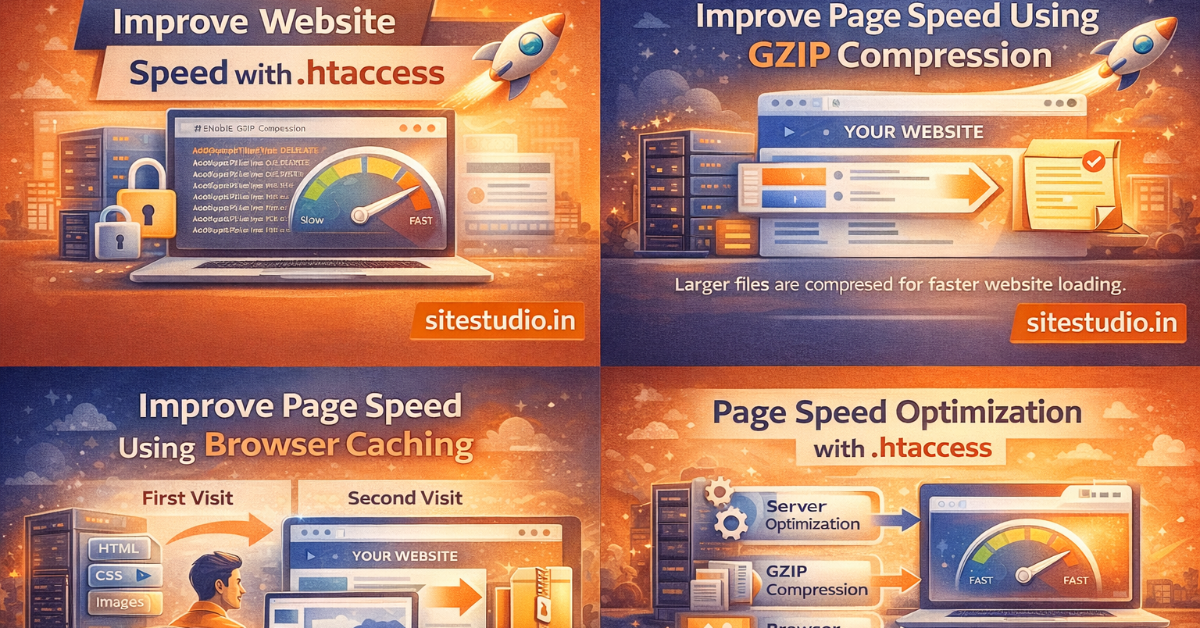
Website speed plays a crucial role in user experience, search engine rankings, and conversion rates. Slow-loading websites can frustrate visitors and lead to higher bounce rates.
One effective way to enhance performance is by optimising your .htaccess file. By adding the right rules to this configuration file, you can enable compression, caching, and other performance improvements that significantly reduce loading time.
Let’s explore how to improve page speed using .htaccess and make your website faster and more efficient.
The .htaccess (Hypertext Access) file is a configuration file used by Apache web servers. It allows you to control server behavior without modifying the main server configuration.
With the .htaccess file, you can:
Proper configuration can dramatically improve page speed.
GZIP compression reduces the size of files sent from the server to the browser, which speeds up page loading.
# Enable GZIP Compression
<IfModule mod_deflate.c>
AddOutputFilterByType DEFLATE text/plain
AddOutputFilterByType DEFLATE text/html
AddOutputFilterByType DEFLATE text/xml
AddOutputFilterByType DEFLATE text/css
AddOutputFilterByType DEFLATE application/xml
AddOutputFilterByType DEFLATE application/xhtml+xml
AddOutputFilterByType DEFLATE application/rss+xml
AddOutputFilterByType DEFLATE application/javascript
AddOutputFilterByType DEFLATE application/x-javascript
</IfModule>
This can reduce file sizes by 50–70%, improving page speed significantly.
Browser caching allows static files to be stored on the user’s device, so they don’t need to be downloaded again on every visit.
<IfModule mod_expires.c>
ExpiresActive On

ExpiresByType image/jpg "access plus 1 year"
ExpiresByType image/jpeg "access plus 1 year"
ExpiresByType image/gif "access plus 1 year"
ExpiresByType image/png "access plus 1 year"

ExpiresByType text/css "access plus 1 month"
ExpiresByType application/javascript "access plus 1 month"

ExpiresDefault "access plus 2 days"
</IfModule>
This reduces server load and speeds up returning visitors’ experience.
Cache-Control headers instruct browsers how long to store resources.
<IfModule mod_headers.c>
<FilesMatch "\.(jpg|jpeg|png|gif|css|js)$">
Header set Cache-Control "max-age=31536000, public"
</FilesMatch>
</IfModule>
ETags are used to validate cached resources but can sometimes slow down performance on certain servers.
FileETag None
Disabling ETags can improve caching efficiency.
Keep-Alive allows multiple requests to be sent over a single connection, reducing latency.
<IfModule mod_headers.c>
Header set Connection keep-alive
</IfModule>
Redirect chains can slow down page loading. You should minimize unnecessary redirects in your .htaccess file.
Redirect 301 /old-page.html https://www.example.com/new-page.html
AddOutputFilterByType DEFLATE font/ttf
AddOutputFilterByType DEFLATE font/otf
AddOutputFilterByType DEFLATE image/svg+xml
This ensures faster loading of visual elements.
Hotlinking occurs when other websites use your images directly, consuming your server bandwidth.
RewriteEngine On
RewriteCond %{HTTP_REFERER} !^$
RewriteCond %{HTTP_REFERER} !^https://(www\.)?yourdomain.com/ [NC]
RewriteRule \.(jpg|jpeg|png|gif)$ - [F]
Preventing hotlinking improves server performance.
If your server supports HTTP/2, enabling it can significantly improve loading speed by allowing multiple requests simultaneously.
Although HTTP/2 is usually configured on the server, some hosting providers allow partial configuration through .htaccess.
Before modifying the file:
Incorrect rules can break your website.
Optimizing page speed using .htaccess can provide several benefits:
Search engines prioritize websites that deliver fast performance.
Improving website performance doesn’t always require complex tools or expensive solutions. By optimizing your .htaccess file with compression, caching, and efficient server rules, you can significantly boost page speed.
These simple techniques help reduce server load, improve user experience, and enhance your website’s search engine rankings.




We create smart and reliable digital solutions for businesses of all sizes. Our focus is on quality design, strong performance, and strategies that help your brand grow online. Transform your vision into a fully functioning and highly responsive website with our expert website development services. Our skilled developers utilize the latest technologies to build custom... Introducing the revolutionary travel package management module. Craft dynamic itineraries, tailor pricing, track availability, manage inclusions, automate promotions, analyze trends. Optimize,... Social media marketing: We develop and execute a targeted social media strategy to increase your brand's visibility and engagement on popular social media platforms like Facebook, Instagram, and...
Services

Website Development

Tours & Travels

Social Media Marketing
Site Studio is amazing to work with! They are professional, responsive, and delivered a high-quality website that exceeded my expectations. I would highly recommend them to anyone looking for a website development service.
What our clients say about Site Studio
Satisfied people feedback

